











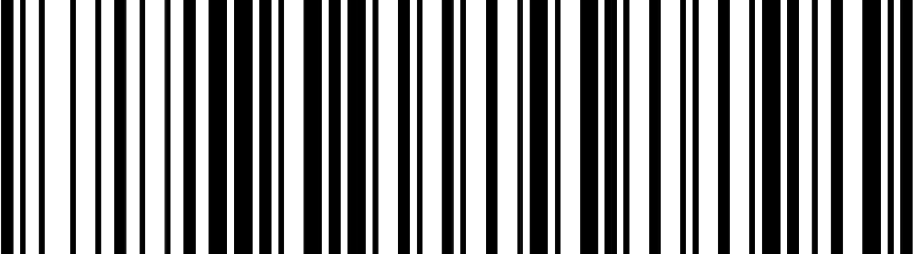

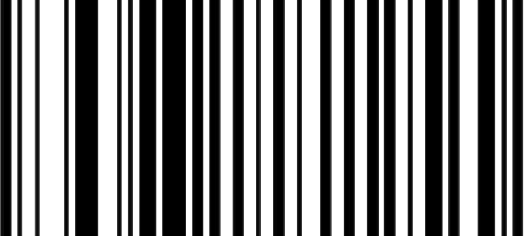
Quantity Barcodes

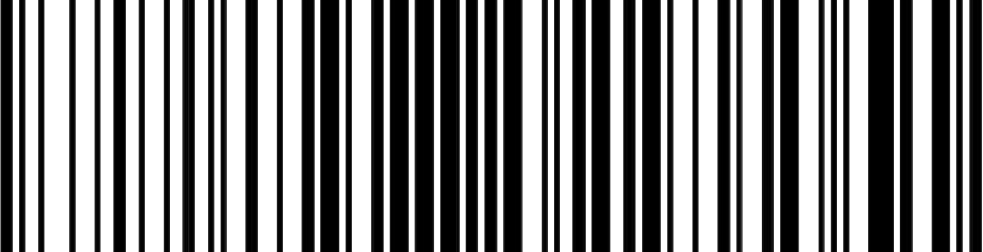
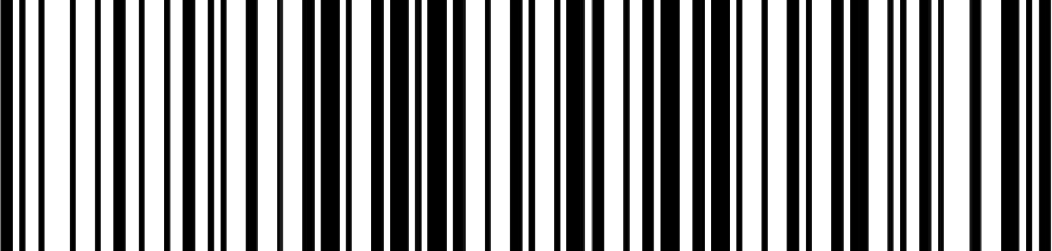
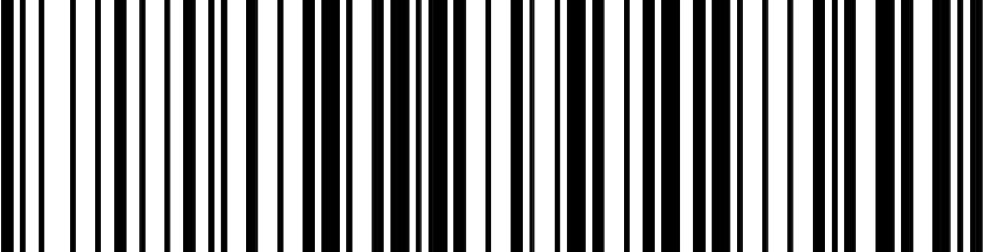
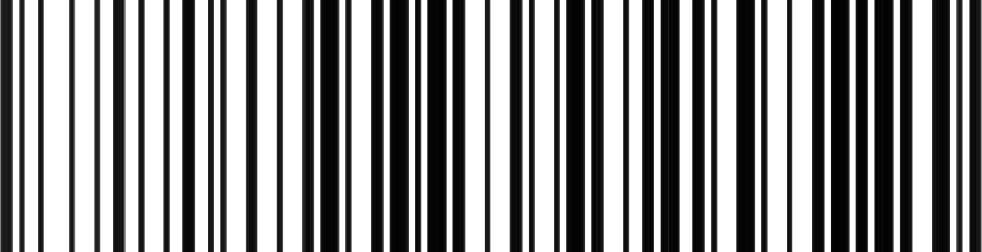
Scan a product and then scan one of these barcodes to quickly increase the quantity. The extra quantity will appear as a new line in your list. It will always add to the last barcode scanned, so you can scan +5 and +2 to get 7 additional min sells of a product.

+1 Min Sell

+2 Min Sell

+3 Min Sell

+4 Min Sell

+5 Min Sell

+10 Min Sell

+25 Min Sell

+50 Min Sell

+72 Min Sell

+100 Min Sell

+250 Min Sell

How to Use Quick Scan

Use a Bluetooth or USB scanner to quickly build a list and send it to the store site as a cart.

  1. Connect your scanner and make sure that this page is open and active
  2. Scan the barcodes (UPC or Notions SKU) for any products you want to order
  3. When ready, click/tap the Upload Cart button
  4. In the box that appears, enter the Customer ID and Password you use for our website
  5. Click/tap the Upload Cart button
View Detailed Instructions

Scan Modes

Instant Upload Mode

Storage Mode

Utilities

Send Barcodes

Clear Storage

Show/Hide iOS Keyboard

Shut Down

Connection Types

Bluetooth Mode

Wired Mode

0 Items